
Amazon Web Services is a leader in cloud computing. AWS PaaS is one of its many offerings. It’s a powerful way to build, scale, and deploy modern applications without having to worry about infrastructure.
This comprehensive guide will explore AWS PAaaS, how it functions, its top features, and real-world benefits. We’ll also discuss how you can use it for faster innovation and lower cost.
What is AWS Platform as a Service (PaaS).
AWS PaaS provides a cloud-based environment that allows developers to develop, test, deploy and manage applications, without having to deal with physical servers.
AWS PaaS is a simple service that allows you to focus on code writing while Amazon takes care of infrastructure and runtime environments.
AWS PaaS includes:
What is AWS PaaS?
Imagine that you’d like to deploy a Web application. You’d have to:
- Buy Servers
- Install operating systems
- Create databases
- Configure network security and configuration
You can skip all that. AWS will handle everything else. You just upload your code and select the runtime settings.
- Server provisioning
- Load balancing
- Auto-scaling
- Watching
- Security Updates
You save cost, time and effort. This allows your development team innovate faster.
Key AWS PaaS Services – Explained
Here’s a breakdown of the most popular PaaS AWS solutions

1. AWS Elastic Beanstalk
Beanstalk is a developer-friendly tool that deploys and manages Java applications, Python, PHP, and Node.js. You upload your code, and Beanstalk will take care of scaling and monitoring.
2. AWS Lambda
Lambda is perfect for serverless computation. It lets you run code as a response to events, such as user clicks or files uploads, without provisioning servers. You pay only for the computing time that you use.
3. Amazon Lightsail
A simplified PaaS for startups and small businesses. It provides a simple interface for deploying sites and apps in pre-configured environments such as WordPress, Node.js and Django.
4. AWS Amplify
Best for front-end developers who are building mobile or web apps. Amplify offers tools for hosting and authentication as well as API integration. It is ideal for React or Vue projects.
5. AWS API Gateway
It allows you to easily create, publish, and manage secure APIs. It integrates seamlessly with Lambda to enable a serverless architecture.
Why choose AWS Platform-as-a-Service?
The top reasons why developers and businesses choose AWS PaaS
| Benefit | Description |
|---|---|
| Scalability | AWS automatically scales up or down your app depending on traffic. |
| Cost Effectiveness | No waste of resources – only pay for what you actually use |
| Security | Built-in encryption and certifications for compliance. |
| Automation | Save time with automatic deployment and monitoring. |
| Global Availability | Having data centers in different regions will ensure reliability. |
| Developer Productivity | Focus on features and not infrastructure management. |
Use Cases for AWS Platform as a Service
- Web application hosting Deploy modern sites quickly with Beanstalk and Amplify.
- Mobile Backend Service – Create secure APIs to mobile apps.
- E-commerce applications Scale automatically when traffic spikes.
- Enterprise Application – Integrate APIs and microservices to internal workflows.
- Data Processor Apps– Use Lambda for backend tasks to be run automatically.
How to deploy an app using AWS PaaS
Step 1: Choose Your PaaS Tool
Pick between Elastic Beanstalk, Amplify, or Lambda depending on your app type.
Step 2: Upload Your Application Code
You can deploy your code using the AWS Management Console or the AWS Command Line .
Step 3: Configure Environment Variables
Set runtime settings (like Node.js version, database credentials, etc. ).
Step 4 – Auto-Scale & Monitor
AWS automatically scales its resources and provides dashboards through Amazon CloudWatch.
Step 5: Optimize and Secure
For security and speed, use CloudFront and WAF.
Integrating and Compatibility
AWS PaaS integrates easily with:
- Amazon RDS (databases)
- S3 (storage)
- CloudFront (CDN)
- Cognito (user authentication)
- Route 53 (DNS management)
AWS is the most flexible PaaS service provider on the market.
Common mistakes to avoid
- Never ignore billing dashboard – always track your costs with AWS Billing Dashboard
- Security Groups and IAM Roles
- Not setting auto-scaling properly
- Using in excess increases latency.
Real-Life Case Study: How A UK Startup Used PaaS on Amazon Web Services
A digital agency from London uses Amplify for hosting a client’s online store. They deployed front-end and rear-end APIs using AWS PaaS instead of manually managing servers.
What is the result?
- 60% faster deployment
- Hosting costs reduced by 30%
- Uptime of 99.99%
This is the power of AWS Platform-as-a-Service in action.
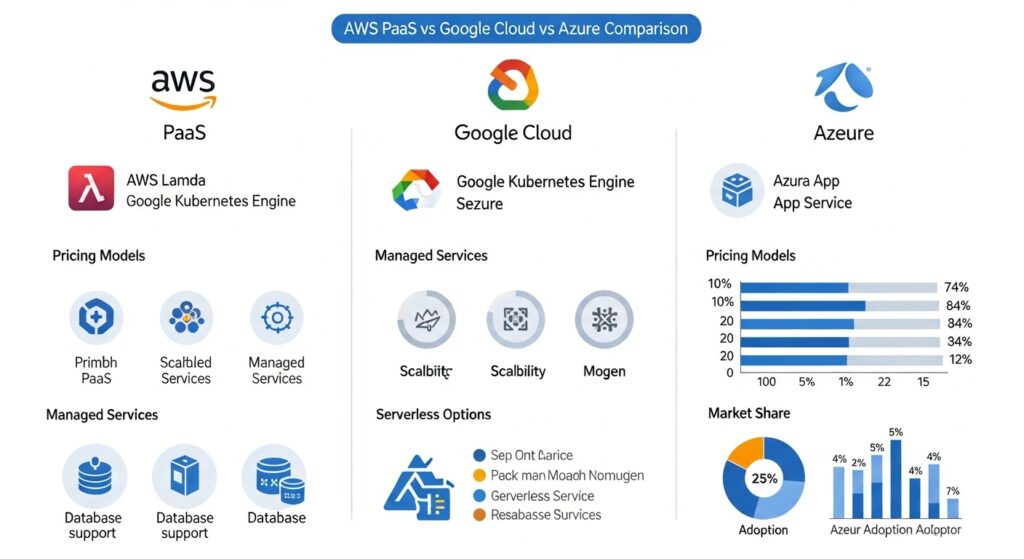
AWS PaaS and Other Cloud Providers
| Provider | Main Focus | Notable Strength |
|---|---|---|
| AWS PaaS | Full ecosystem | Scalability and global reach |
| Google Cloud App Engine | Simplified dev experience | Strong for Analytics |
| Microsoft Azure App Service | Enterprise users | Easy .NET integration |
AWS is still the market leader due to its range and stability as well as developer tools.
AWS Platform-as-a-Service: The Future
AWS will continue to expand PaaS capabilities in 2025 and beyond.
- AI-powered automation
- Serverless Analytics
- Low-code development tools
- Sustainability-optimized infrastructure
Final Thoughts
The AWS Platform as a Service model empowers programmers to create and launch applications more quickly, more cheaply, and with greater security. AWS offers the reliability and scalability needed in today’s digital environment, whether you are a startup, freelancer or enterprise.
Start with the AWS Free Tier to experience the simplicity of cloud-based deployment.